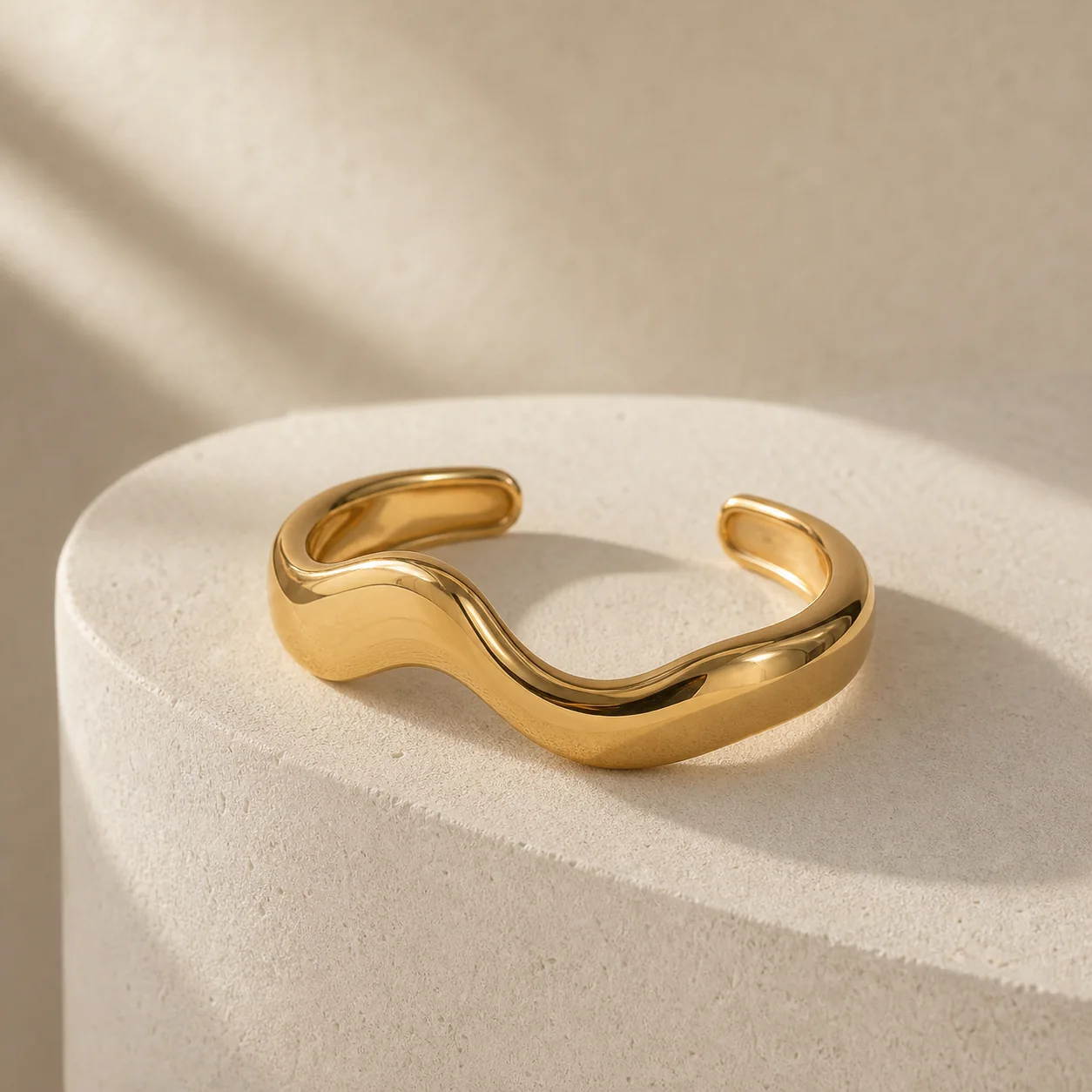
One product photo. Every listing image.
Transform one jewellery photo into clean packshots, new angles, colour variants, model try-ons and lifestyle visuals—in minutes.
3 free credits
No card required
Ready for ecommerce
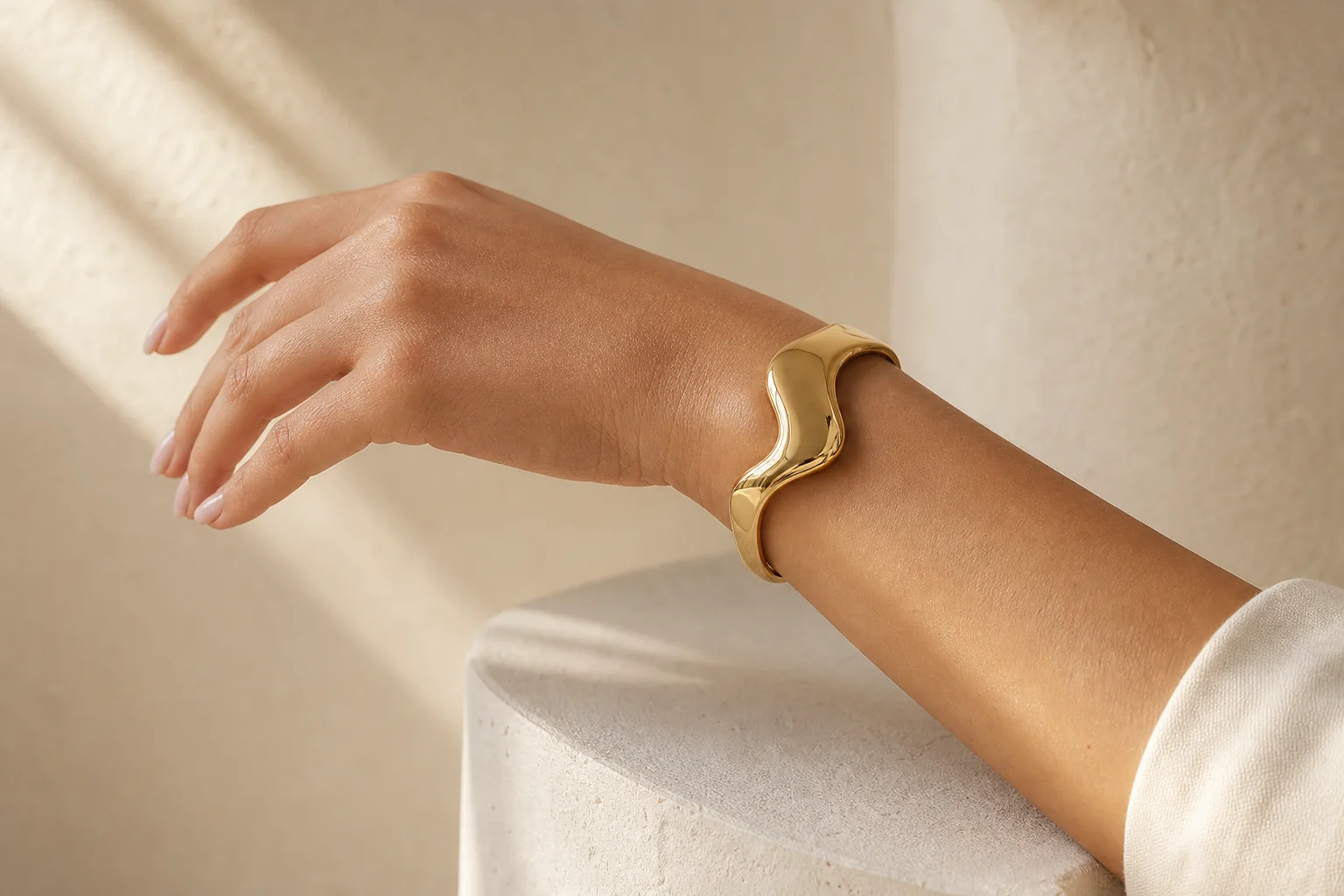 Lifestyle scene
Campaign ready
Same product
Lifestyle scene
Campaign ready
Same product
For Amazon sellers
 Seller · with LustraStudio
Your store. One conversation.
Bring product listings, imagery and seller tasks together in ChatGPT. Public seller connections opening soon. Features roll out with launch.
Trusted by top sellers on
Shopify
Etsy
Amazon
Make every product work harder.
Build a complete visual system around one recognisable piece—from a clean product listing to model content and a polished campaign image.
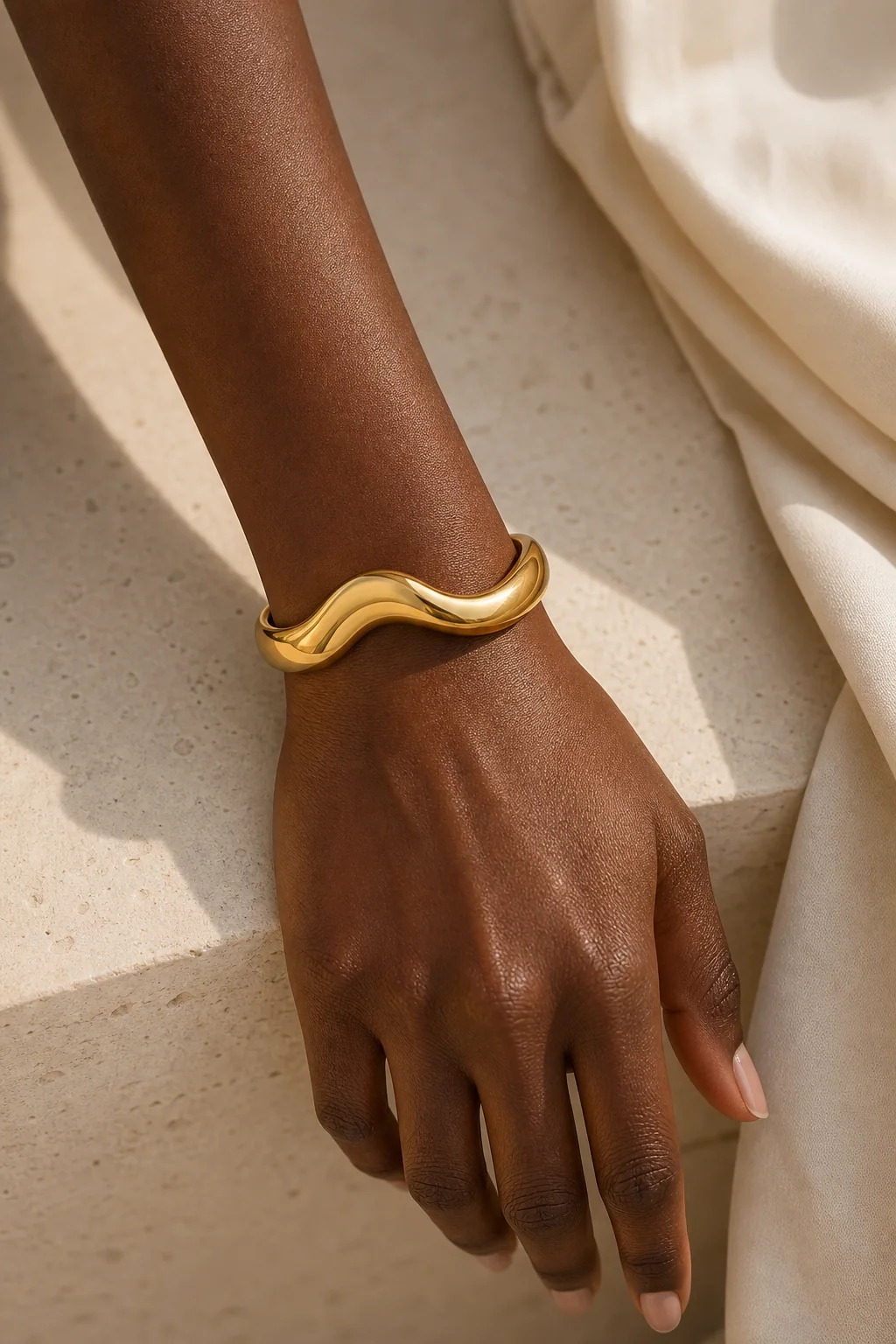
Model try-on
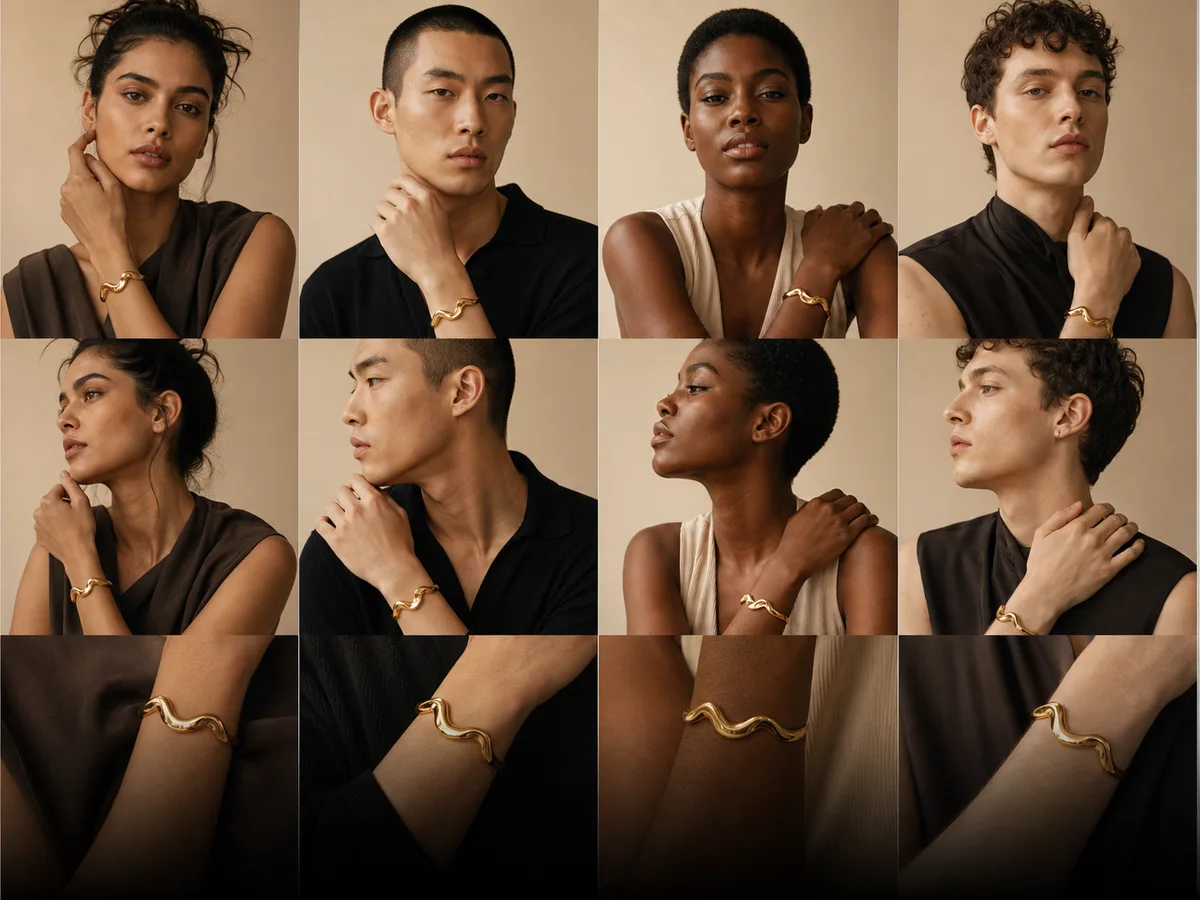
Show the piece on real people.
Create visually consistent try-on imagery across different models and campaign directions while keeping the jewellery at the centre.
A studio built around the product.
Every workflow is designed for the repetitive visual work jewellery teams face every day—not generic image generation.
Product imagery
Create clean packshots, new angles and polished catalogue assets from the product photography you already have.
Consistent models
Build reusable model identities and create wrist or lifestyle imagery with a coherent look across the collection.
Campaigns at scale
Reuse prompts, generate metal variants and queue batches without rebuilding the creative direction for every SKU.
From upload to listing in three steps.
A guided workflow keeps the creative process fast without taking control away from your team.
Upload your product
Start with the clearest jewellery image you already have. No special studio setup is required.
Choose the outcome
Select a product angle, colour variant, model try-on or lifestyle direction and adjust the details.
Generate and refine
Review the result, refine the direction when needed and export the assets that fit your storefront.
Start small. Scale when the work does.
Begin with free credits, then choose the monthly output that fits your collection and production rhythm.
Starter
For solo brands building consistent storefront imagery.
$9 / month
- 40 credits each month
- Up to 40 1K exports
- Product, variant and try-on tools
- Reusable prompt library
Pro
For growing stores producing new creative every week.
$29 / month
- 120 credits each month
- Up to 120 1K or 60 2K exports
- All core generation workflows
- Batch Studio and priority queue
Agency
For teams managing larger catalogues and client work.
$89 / month
- 400 credits each month
- Up to 400 1K or 200 2K exports
- All core generation workflows
- Batch Studio and priority queue
Not ready to subscribe? Create an account with 3 free credits and explore the Starter tools—no card required. Compare all plan details →
Start freeCreative direction for modern jewellery commerce.
Explore the journalFeatures
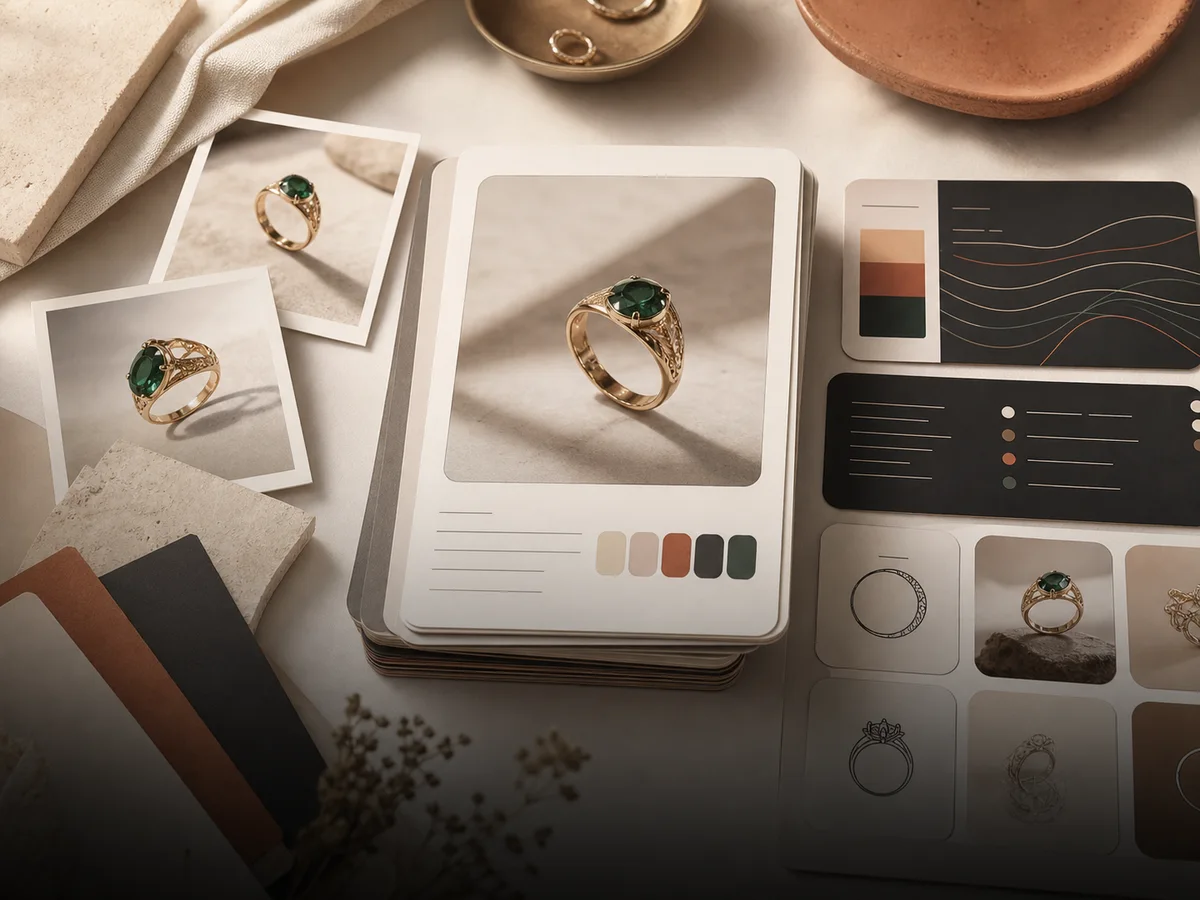 Reusable prompts
Reuse what converts
Prompt Library
Save a title, description, prompt text, and image attachment as reusable templates for faster generations.
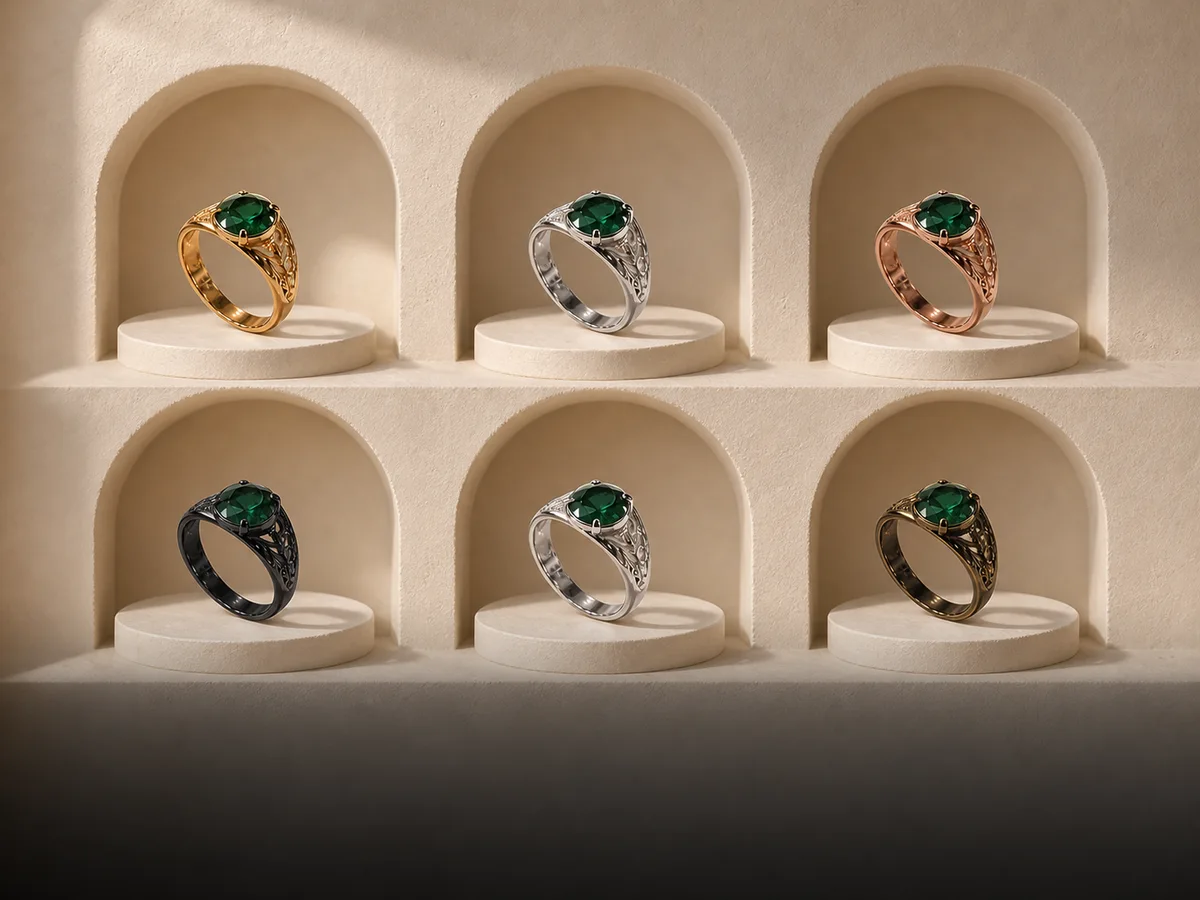 2K metal swaps
Photoreal metal swaps
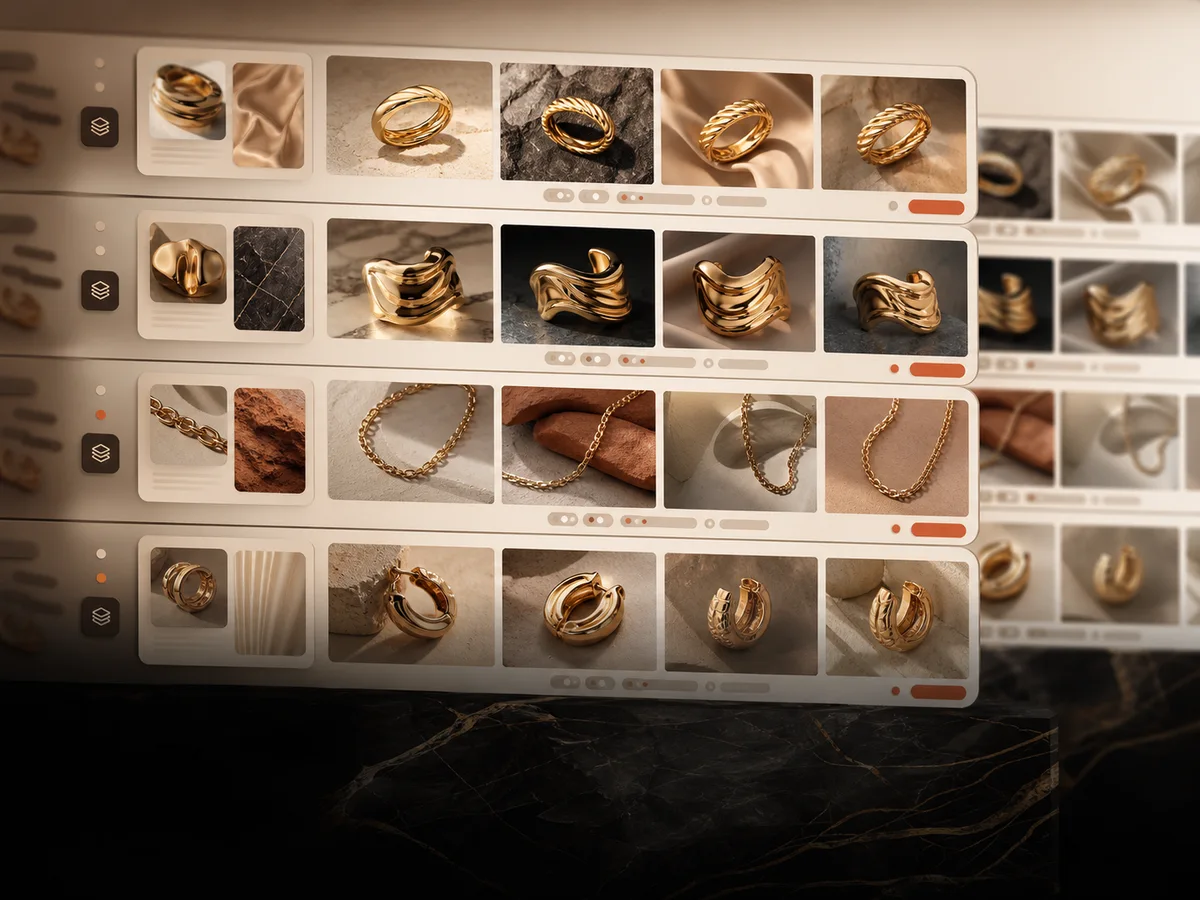
Color Variants
Upload multiple product images and generate silver, gold, rose gold, platinum, bronze, black, white gold, or custom colour outputs in 2K.
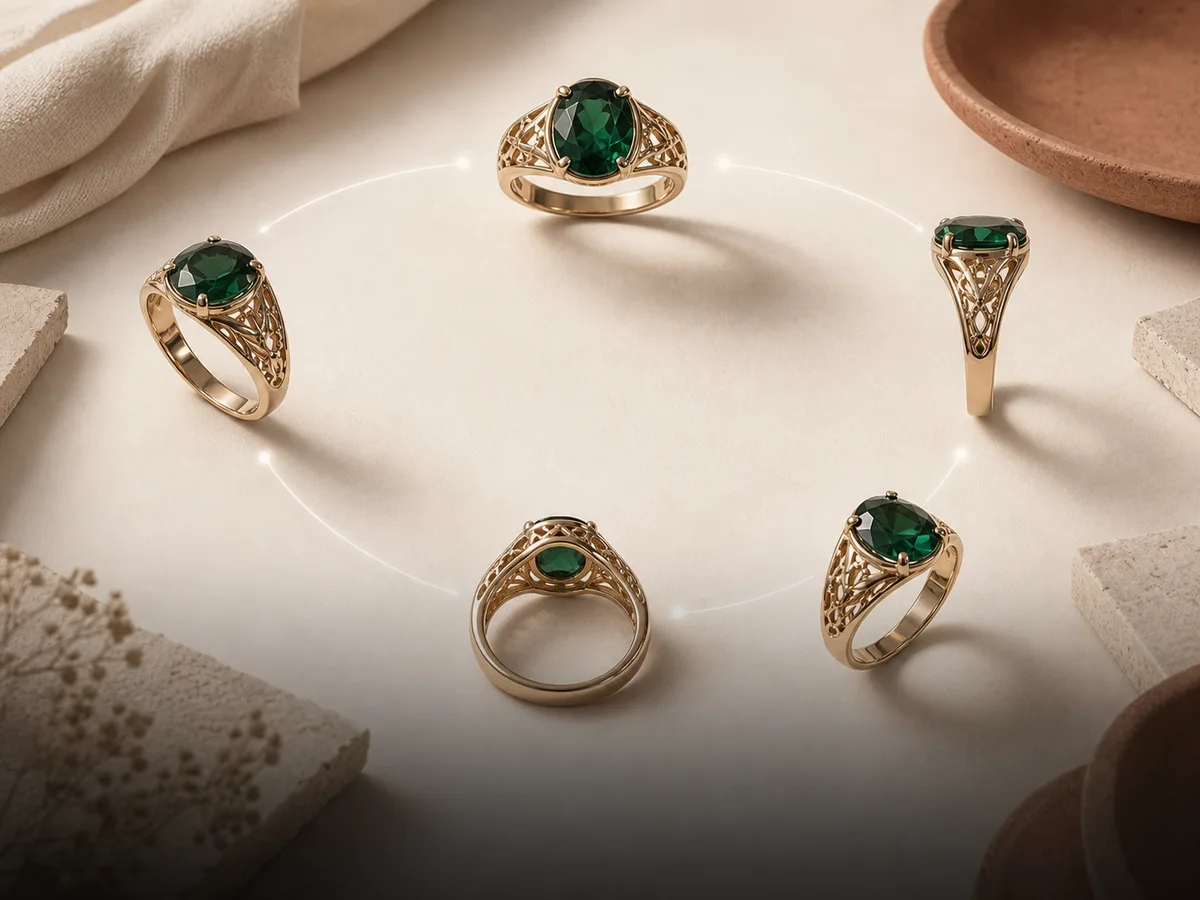 Angle coverage
Controlled product coverage
Multi-Angle Generator
Generate front, side, top, back, 45-degree, or mini 360 rotation outputs from one jewellery piece and supporting references.
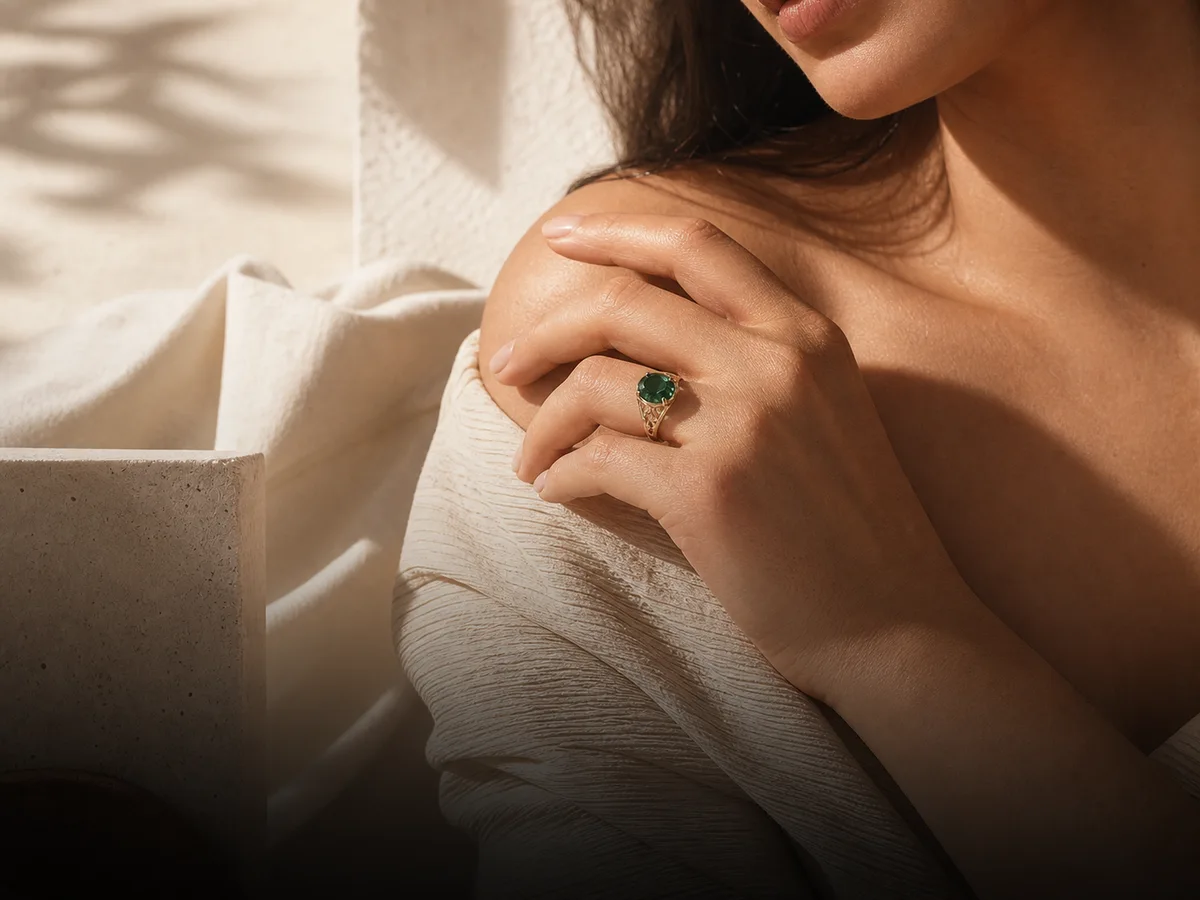 Guided scene builder
Styled lifestyle output
Lifestyle Scene Generator
Move from packshot to wearable scenes by choosing the jewellery type, selecting a saved model, calibrating the fit, and applying a scene preset.
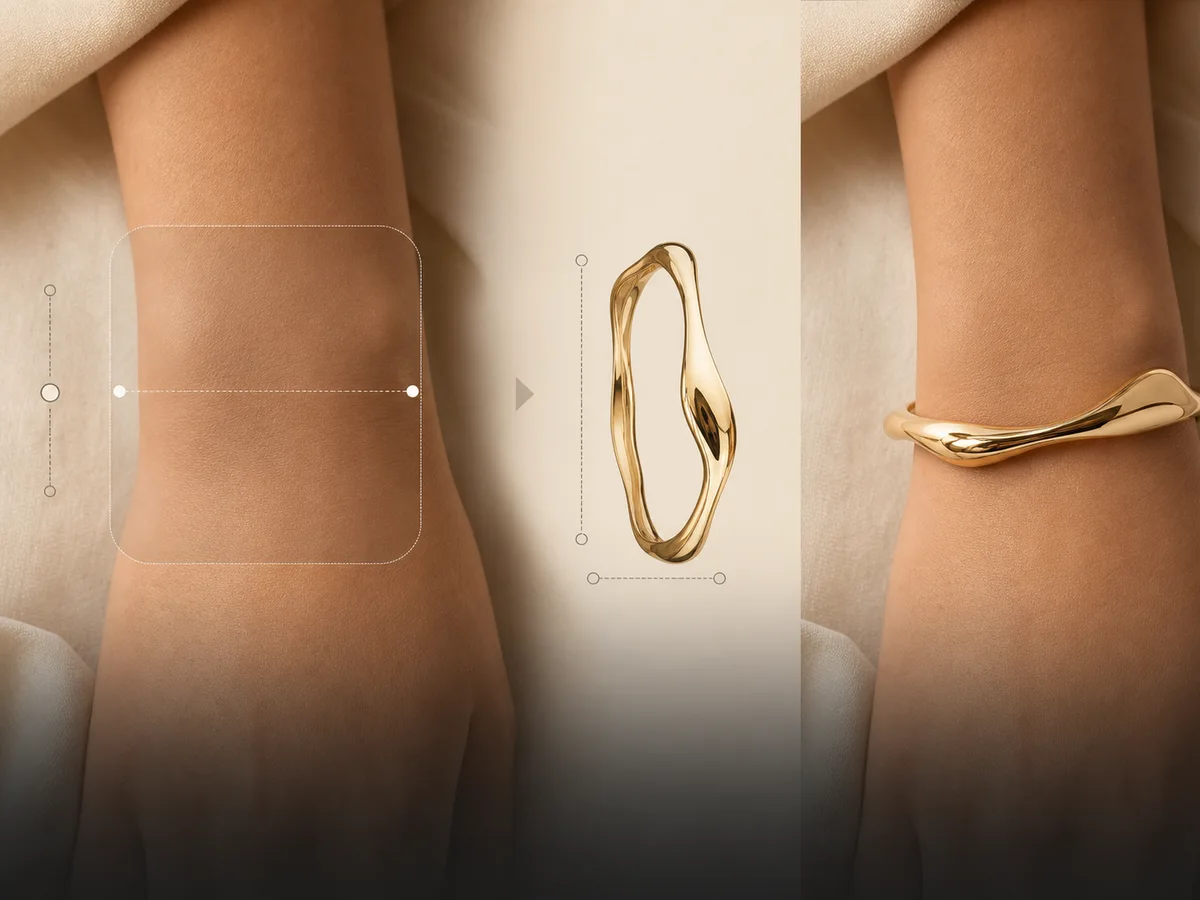 Wrist placement
Placement-level control
Virtual Try-On
Upload a bracelet image and a separate wrist photo, measure the wrist, set the placement box, and generate a fitted try-on.
 Persistent models
Persistent identity system
Diverse Models
Create reusable male or female models with appearance controls, measurement presets, wrist views, and a saved JSON prompt for consistency.
 Bulk generation
Bulk creative production
Batch Studio
Queue multiple prompt rows with shared model, resolution, and aspect-ratio settings so the whole run goes out at once.
 Coming soon
Next up
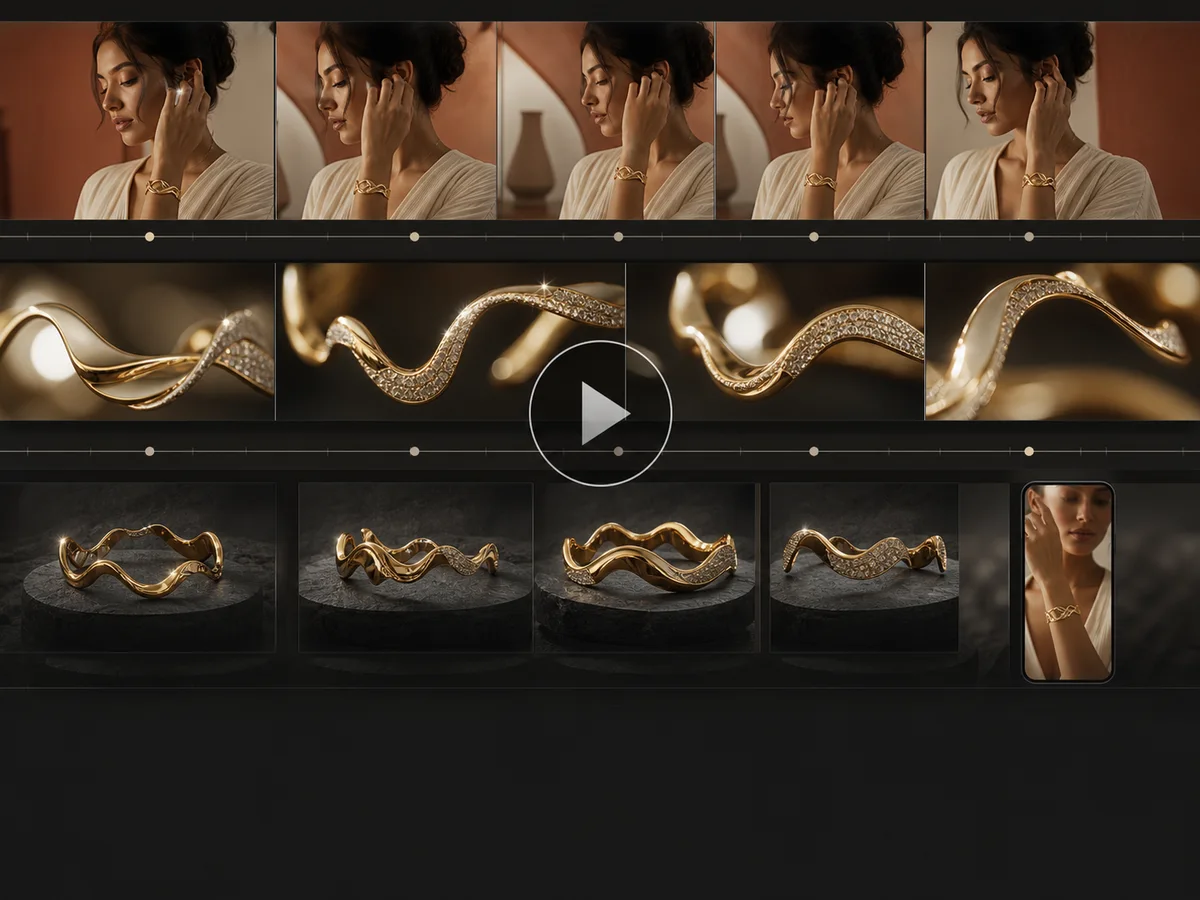
Video Generation
Jewellery-specific UGC video generation is coming soon so the same workflow can expand from stills into motion.
01 / 08
Questions, answered
Before you upload.
The essentials about starting, outputs and choosing a plan.
What kind of jewellery can I use?
Lustra's workflows are designed for common jewellery categories including bracelets, rings, necklaces and earrings. A clear, well-lit product image gives the studio the strongest starting point.
Do I need a card to try it?
No. The free plan includes 3 credits and does not require a payment card.
What output resolutions are available?
Starter supports 1K exports. Pro and Agency include both 1K and 2K generation options across the available workflows.
Can I create several products at once?
Batch Studio is included with Pro and Agency, allowing you to queue multiple generation rows with shared settings.
Can I reuse the same model or creative direction?
Yes. The studio includes reusable prompt templates and persistent model workflows to help keep output more visually consistent across a collection.
A complete product listing can start with one image.
Upload one jewellery photo, choose the images your listing needs and build the full visual set in Lustra.
Create for free